
Favorites ('My List'), Watch History & Smart Continue Watching
Bookmark your favorite Live TV channels, Movies, and Series with a single click, jump back into recently watched channels via the History tab, and resume any Movie or Series episode from the exact second you stopped.
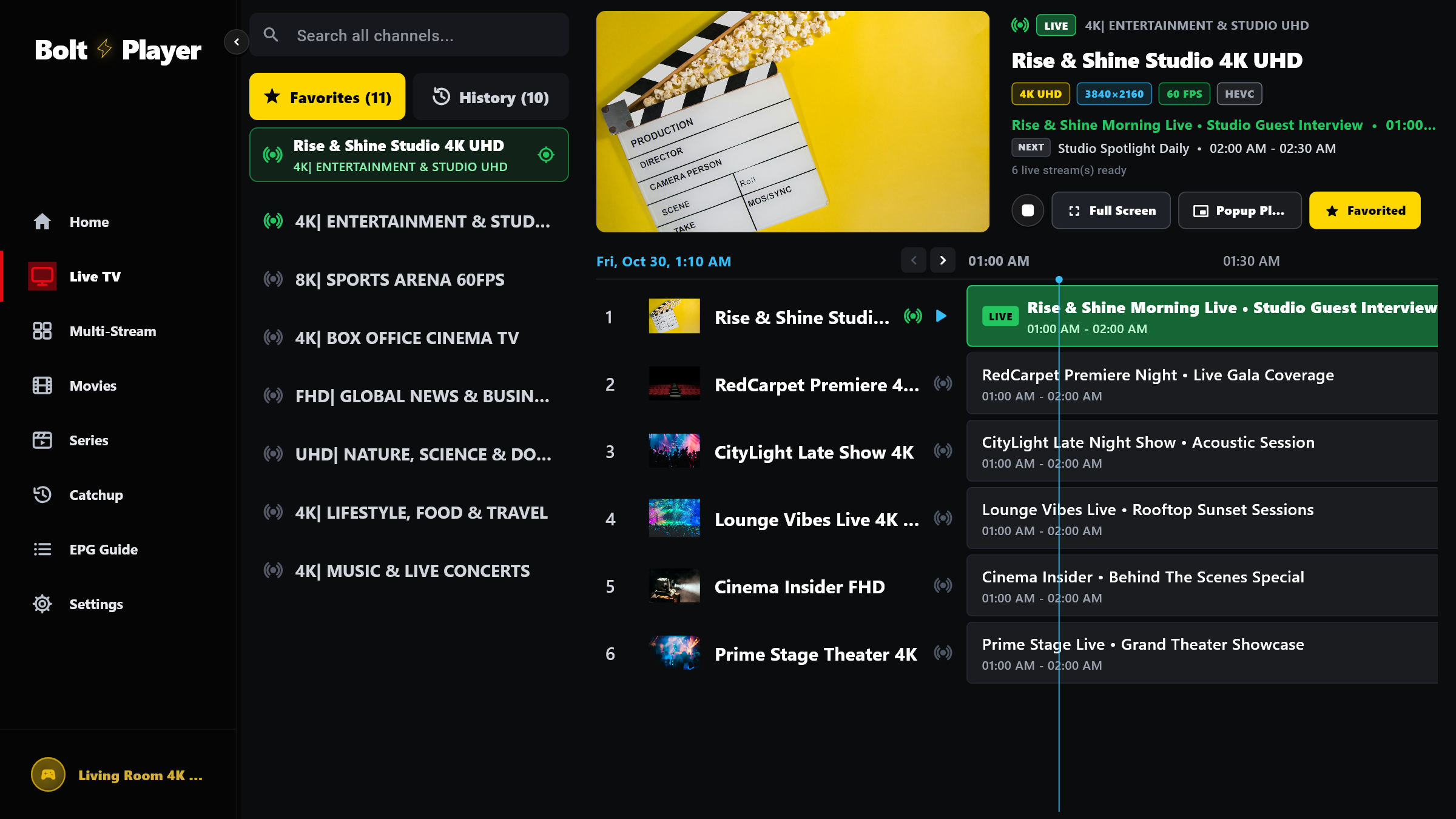
Instant Gold Star Filter Across Live TV, Movies & Series
- Click the Star icon on any channel or VOD poster to pin it
- Dedicated Gold “Favorites” filter pill in the sidebar
- Accessible inside the Full Screen Favorite Channels drawer
Exact-Second Resume Progress Bars & Watched Log
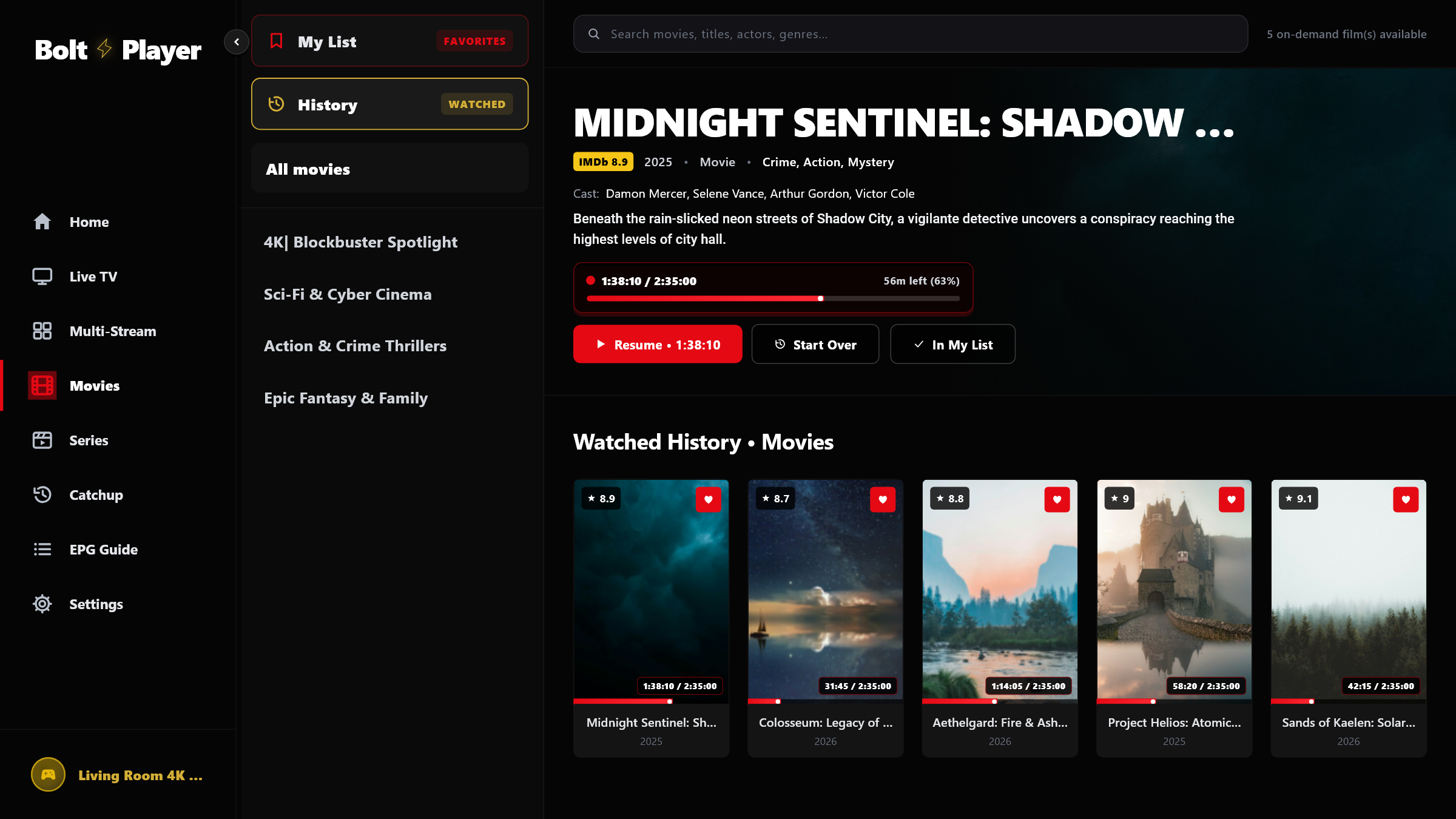
- Automatic chronological tracking of every watched stream
- Visual red progress bar showing exact completion percentage
- Isolated per profile so family members never mix history
Universal Favorites & Chronological Watch History Across All Sections
Whether you have 500 or 100,000 items in your playlist, BoltPlayer puts your personal Favorites and Watch History at the very top of every screen.
Star any channel once and it appears immediately in your Live TV Favorites tab, EPG Guide Favorites filter, and the Full Screen left-side Channels drawer.
Save movies and series to 'My List' to watch later, or click 'History' to inspect every title you have opened along with its red resume progress bar.
Clear Favorites or Clear Watch History anytime from Settings → Playlist Management without affecting your other saved playlist profiles.
All Captured Views for Favorites & Watch History
Live TV Starred Favorites Filter & Docked Preview
Click the gold 'Favorites' button at the top of the Live TV sidebar to filter your channel list down to your starred channels with live EPG progress.
Watch History ('WATCHED') & Resume Progress Bars
Click 'History' in Live TV, Movies, or Series to view your recently watched items in chronological order with red playback progress bars and exact timestamps.
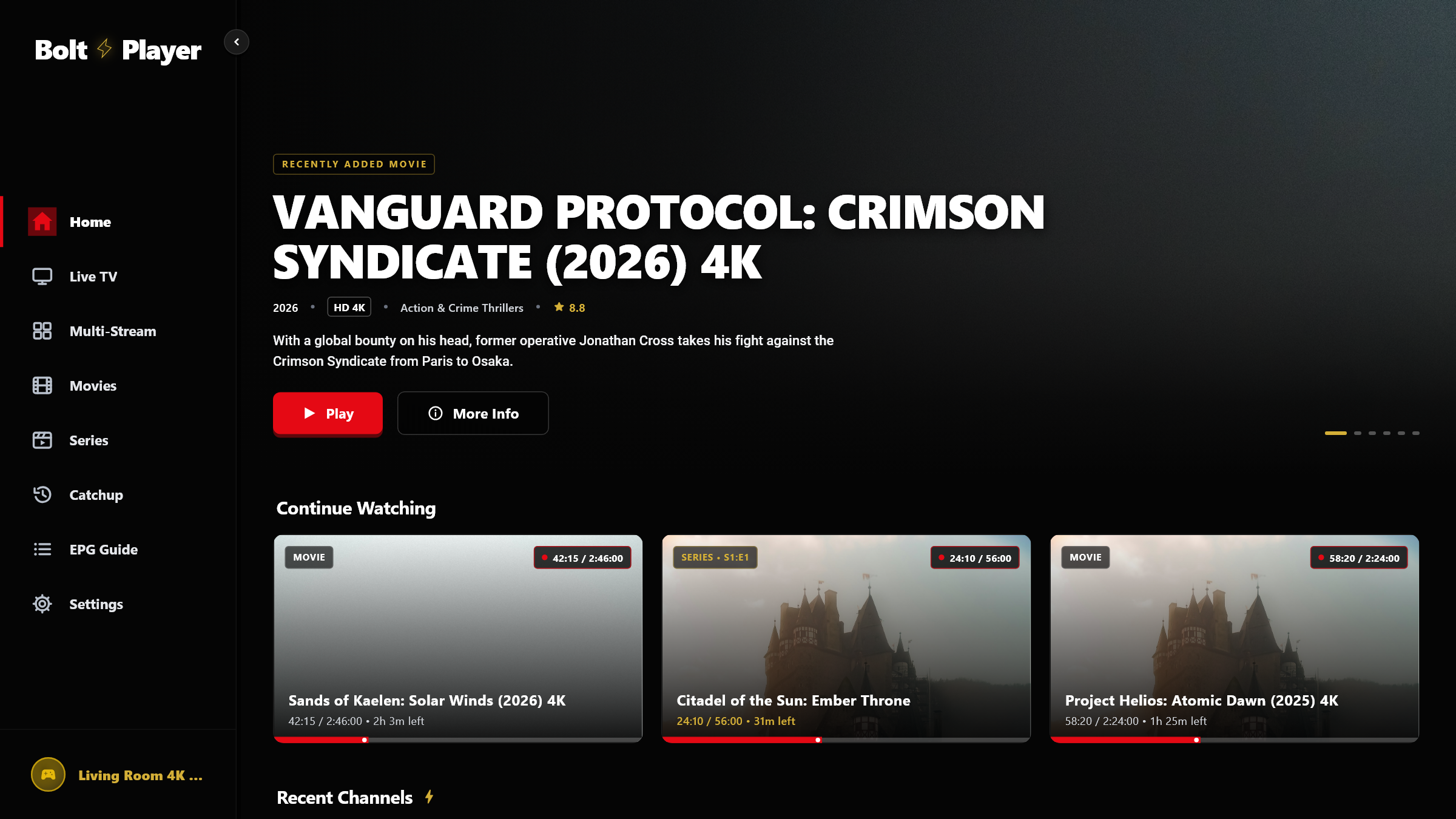
Home Dashboard — Continue Watching & Recent Channels
Your Home screen automatically surfaces your active 'Continue Watching' Movies & Series alongside your 'Recent Channels' row for instant one-click resumption.
Try Favorites & Watch History Free for 30 Days
Download BoltPlayer for Windows 10/11 or connect your playlist immediately via QR Code / MAC Address & Device Key.