
Full Screen Player, 5 Aspect Ratio Sizes & Frosted-Glass Drawers
Experience edge-to-edge 4K/8K cinema playback with 5 instant aspect ratio modes (Original, Full, Zoom, 16:9, 4:3) and slide-out frosted glass drawers for Favorite Channels and Series Episodes.
Instant Aspect Ratio Loop Without Rebuffering
5 Screen Aspect Ratio & Scaling Modes
Every broadcast and movie is mastered differently. BoltPlayer gives you instant, zero-rebuffer aspect ratio switching directly on the Full Screen HUD bar.
Renders the exact native pixel aspect ratio reported by the video stream without artificial stretching.
Scales the video surface to fill 100% of your monitor or ultrawide display.
Eliminates black letterbox bars by zooming proportionally into the center of the frame.
Force standard 16:9 widescreen or classic 4:3 broadcast framing with a single click.
All Captured Views for Full Screen & 5 Aspect Ratios
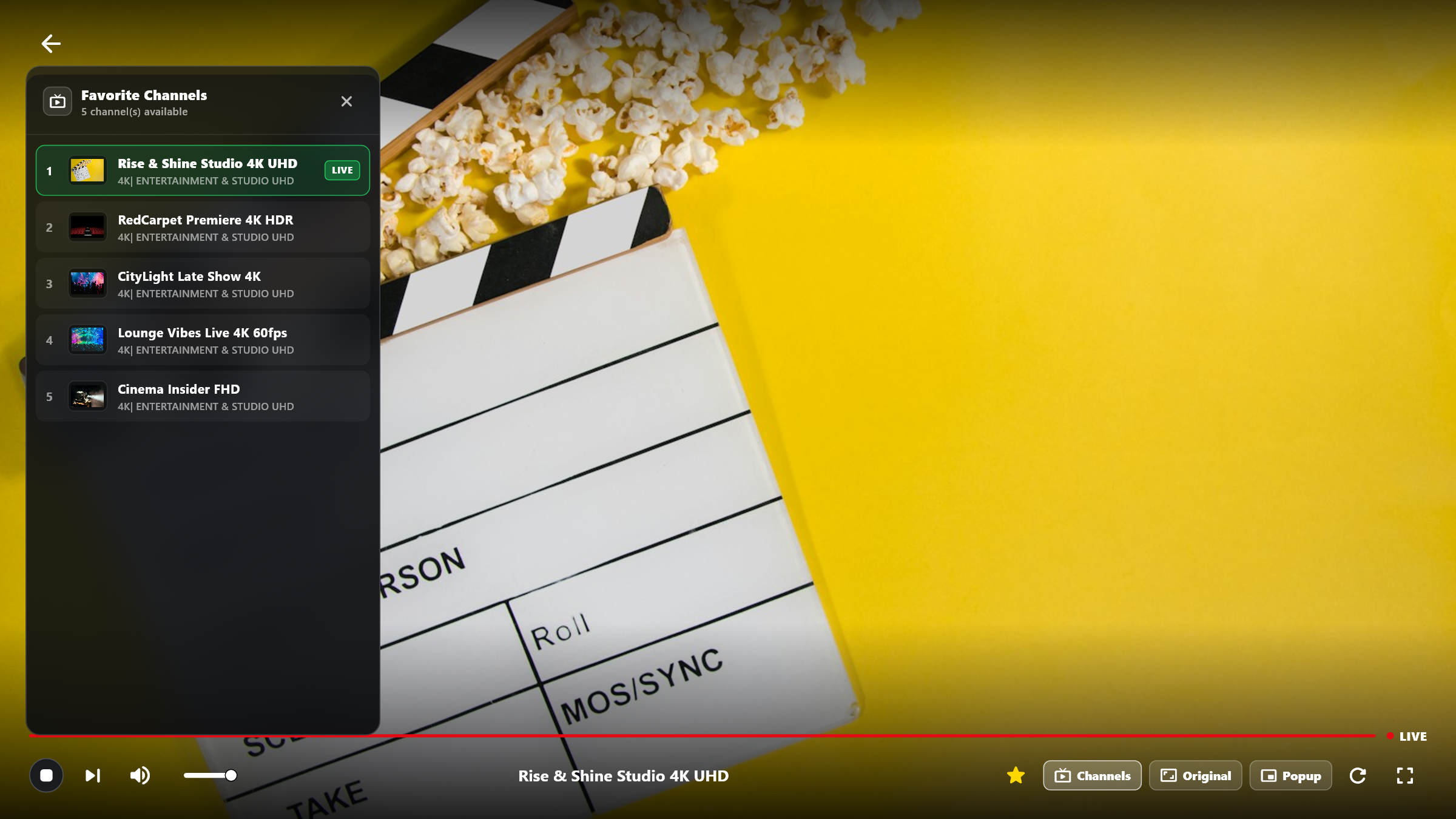
Full Screen Live TV + Favorite Channels Drawer
Switch between starred favorite channels directly inside Full Screen mode using the left-side frosted glass drawer without interrupting playback.
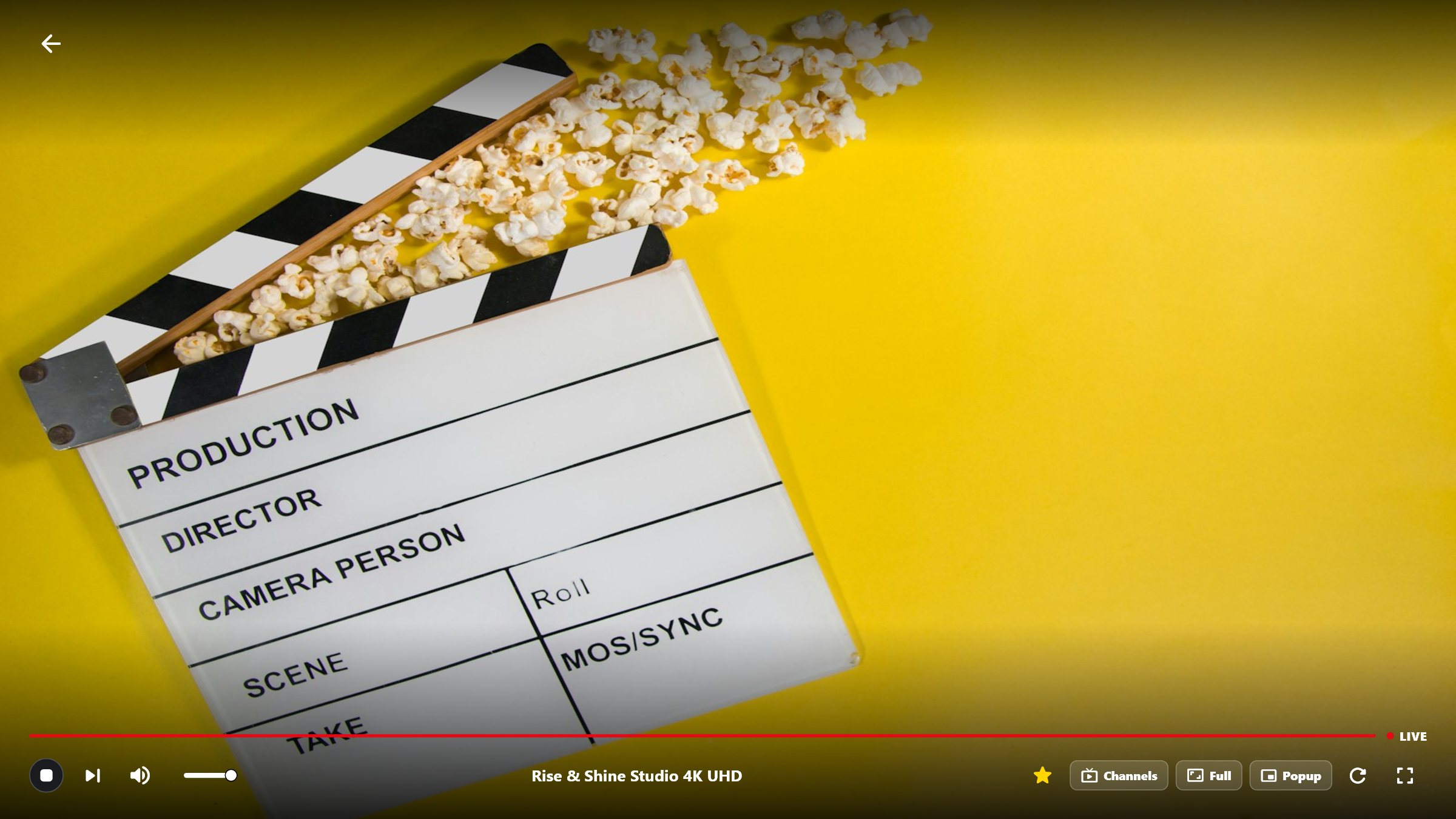
5 Screen Aspect Ratio Modes (Original / Full / Zoom / 16:9 / 4:3)
Cycle through all 5 screen aspect ratio modes with a single click on the bottom control bar to fit any ultrawide, 16:9, or classic 4:3 broadcast.
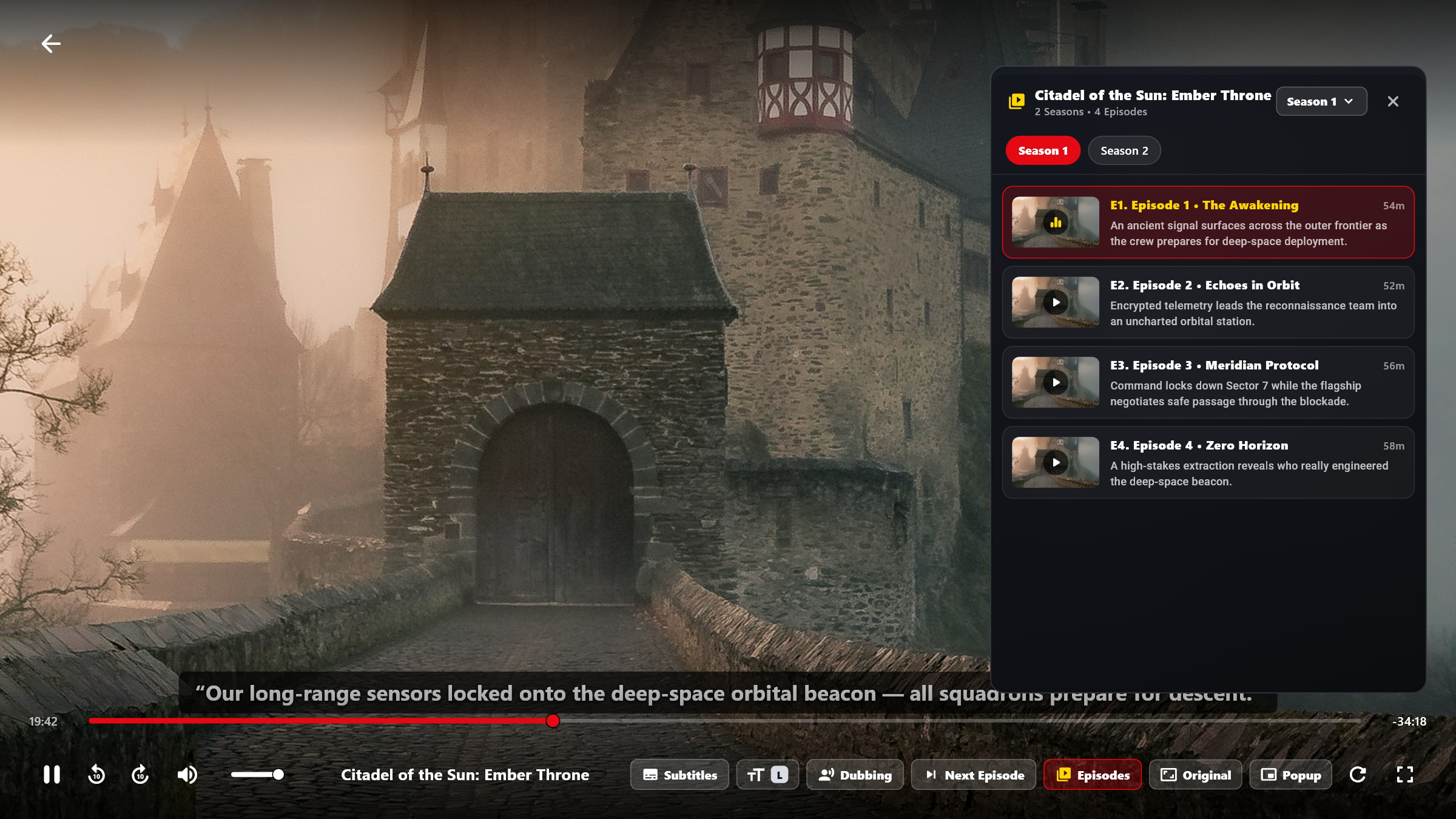
Full Screen Series Player + Seasons & Episodes Drawer
Browse all seasons and episodes with plot summaries and thumbnails right inside the full-screen player, or jump straight to the Next Episode.
Try Full Screen & 5 Aspect Ratios Free for 30 Days
Download BoltPlayer for Windows 10/11 or connect your playlist immediately via QR Code / MAC Address & Device Key.