Download BoltPlayer
BoltPlayer is Available Now for Windows 11 & 10 via the Microsoft Store and Direct 64-Bit `.exe` Installer. Smart TV & Mobile platforms are coming soon.
Microsoft Store
1-Click Verified Windows 11/10 InstallInstall BoltPlayer directly from the official Microsoft Store on Windows 10 or Windows 11 with automatic background updates and instant 30-Day Free Trial activation.
- Official Microsoft Store Verified Package
- Automatic Silent Updates to Newest 8K Engine
- Full 4-Screen Multiview & Floating Mini Player
- Hardware-Bound MAC & 8-Digit Device Key Included
Direct 64-Bit Installer (.EXE)
Standalone Desktop & HTPC SetupPrefer a standalone installer without signing into the Microsoft Store? Download our native 64-bit `.exe` package with direct NVIDIA/AMD/Intel GPU hardware decoding.
- Direct GPU Decoding (NVDEC / AMD / QuickSync)
- Always-on-Top Borderless Mini Popup Player (S, M, L, MAX)
- Instant QR Code & Web Portal Sync (boltplayer.app/activate)
- Supports Xtream Codes, M3U URL & Local M3U8 Files
Windows 11 & 10 Desktop Preview
Real screenshots captured from the 64-bit Windows release of BoltPlayer:
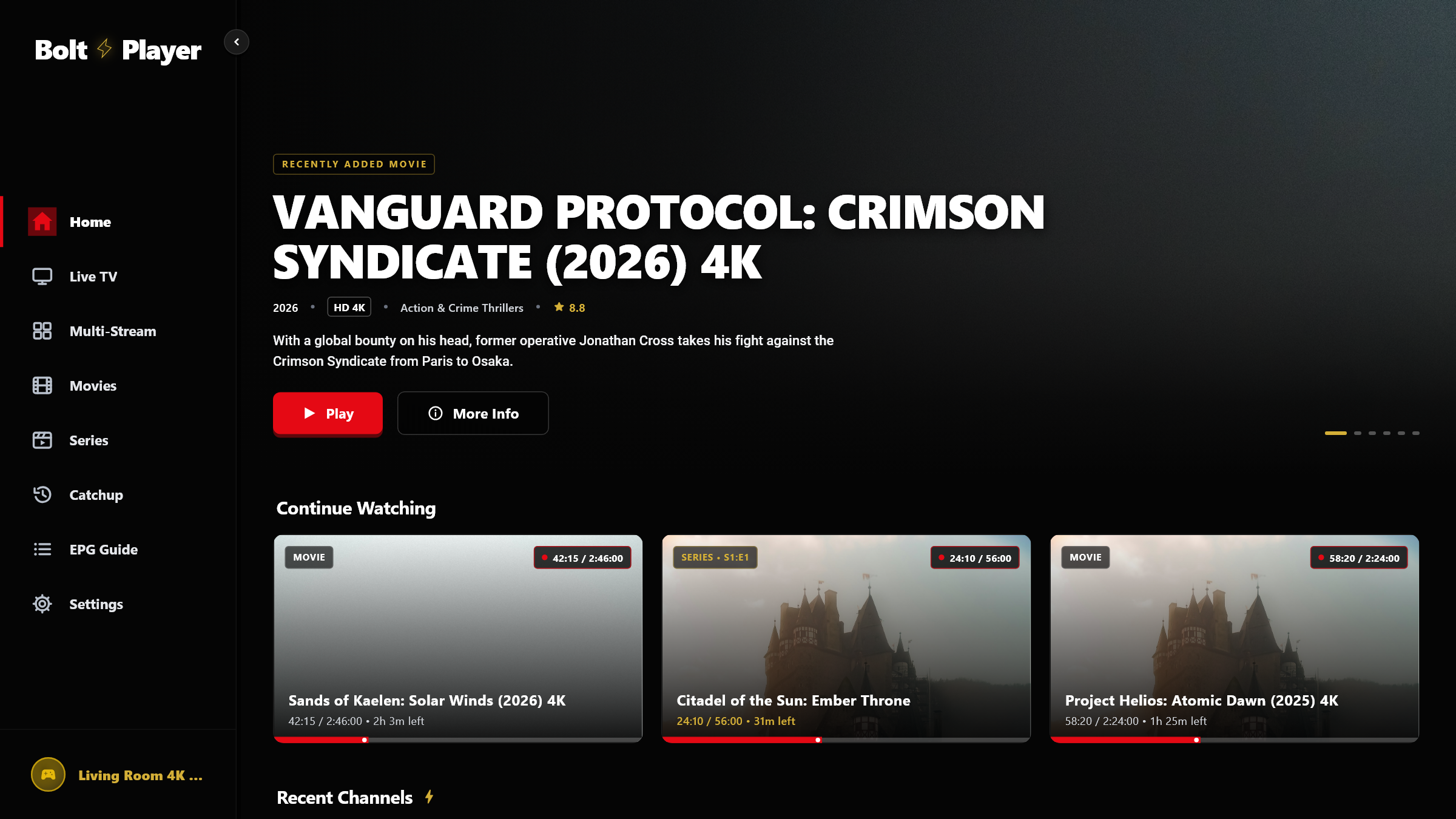
Home Dashboard & Continue Watching
Resume playback from the exact second with 20 profile slots
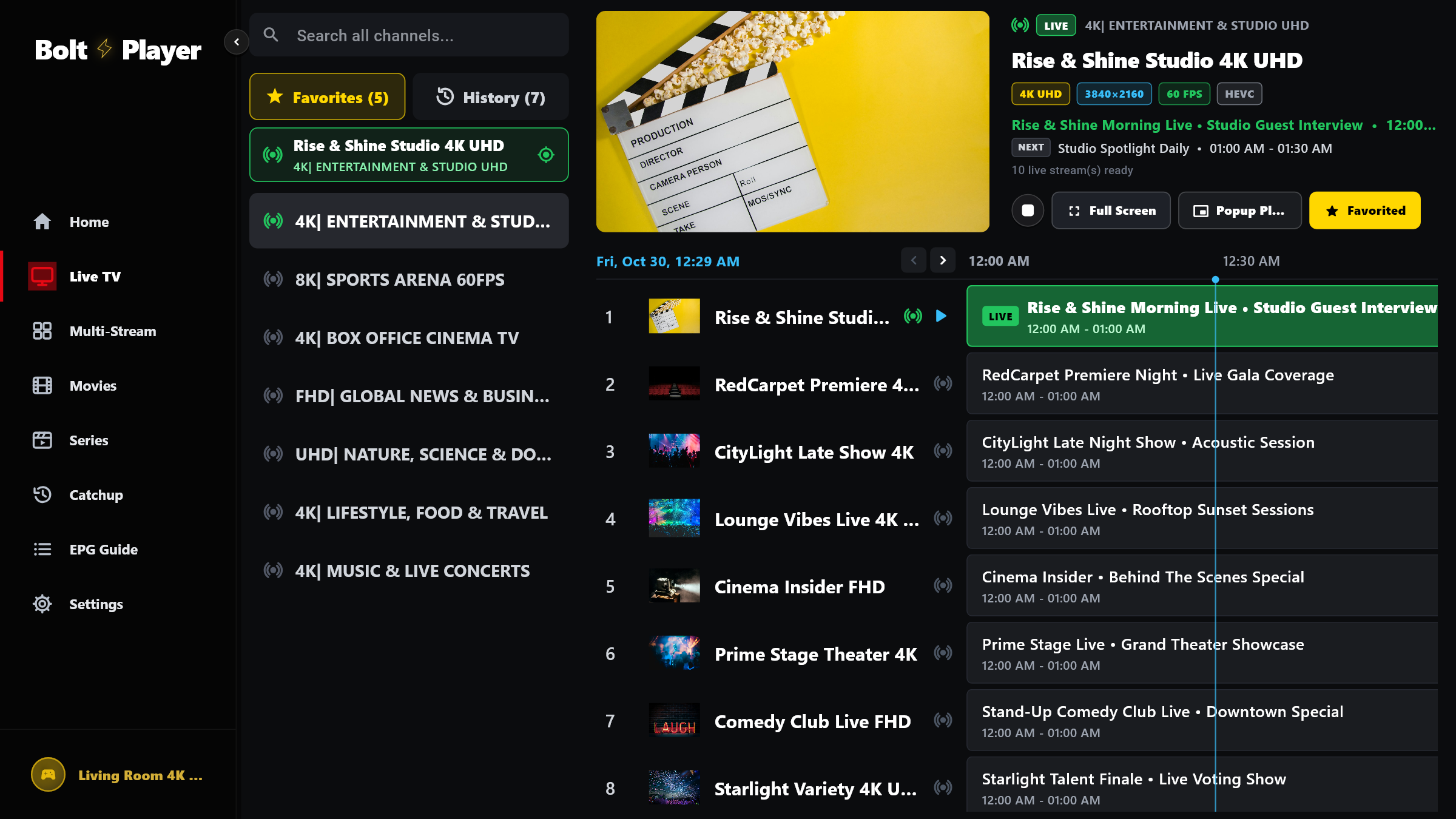
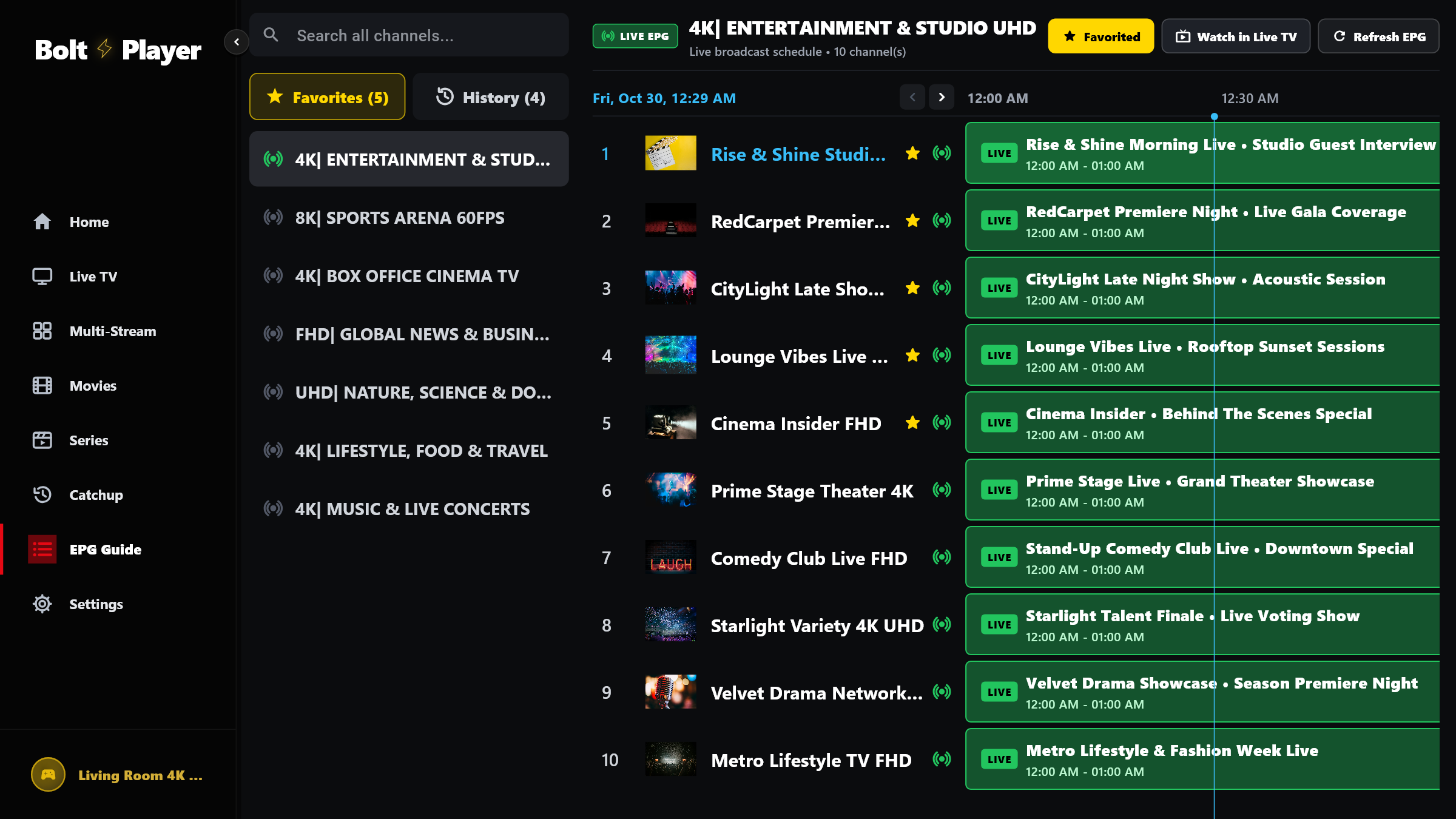
Docked 16:9 Live Preview & EPG Grid
Instant channel zapping with real-time 4K/60FPS stream info
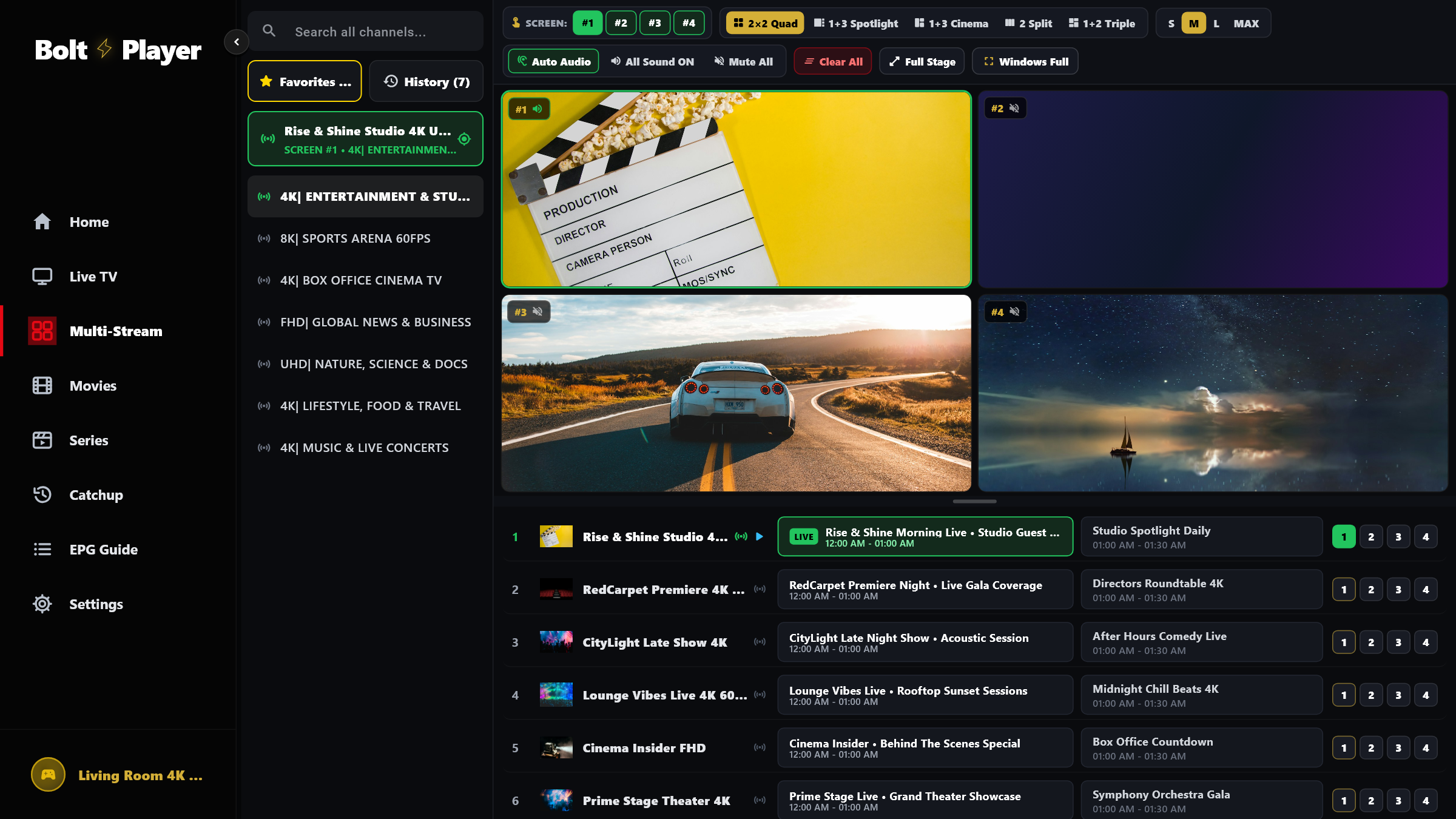
4-Screen Multiview (2×2 Quad View)
Play 4 streams simultaneously with 1-click Auto Audio solo
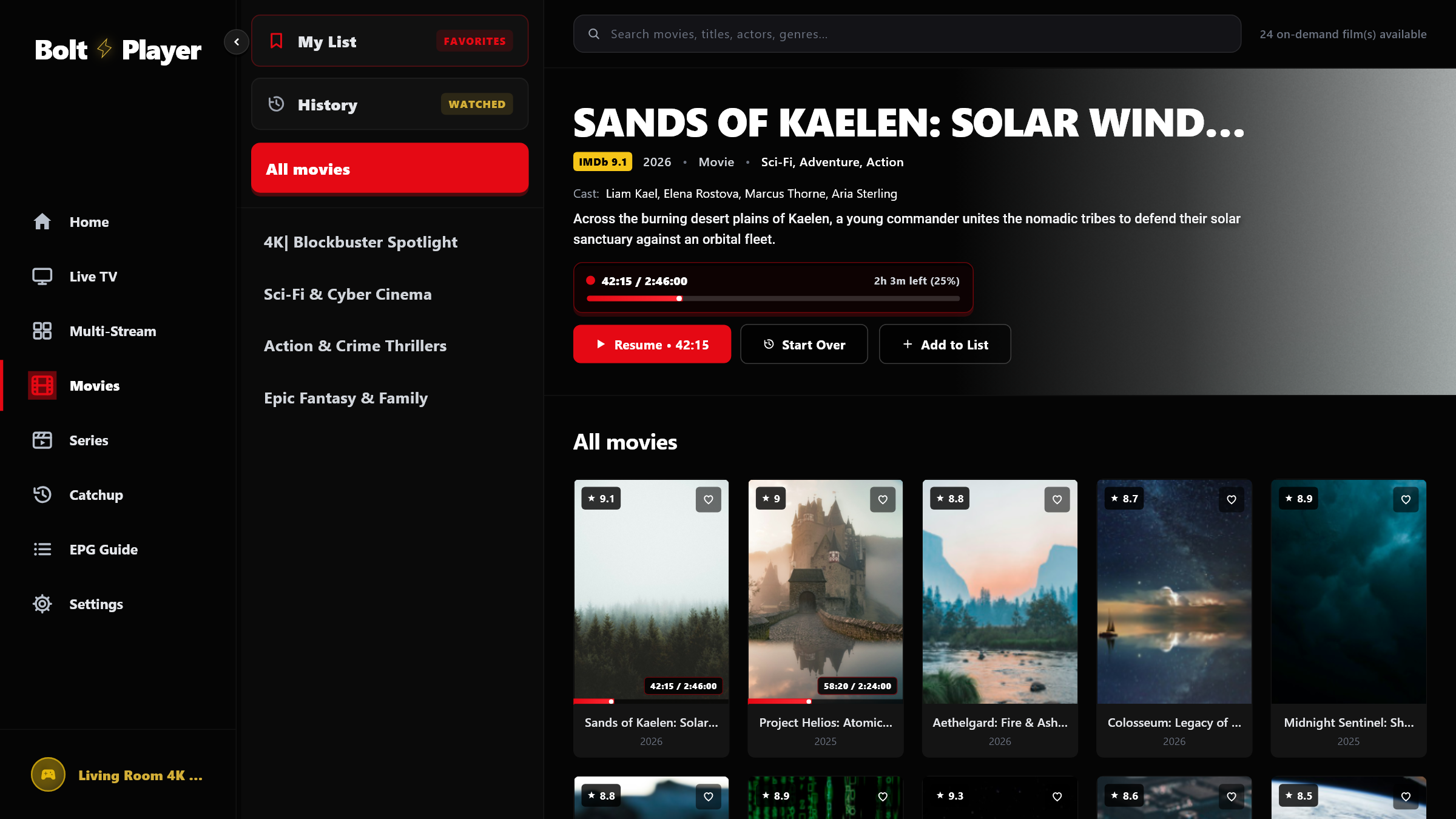
VOD Media Library & QR Web Activation
Widescreen details, IMDb ratings & 1-scan QR cloud sync
Smart TV & Mobile Apps — Coming Soon
Currently in final store certification for the following platforms:
Roku Smart TV
Roku OS & Streaming Stick 4K
Android TV & Google TV
Android TV, Fire TV, Nvidia Shield & Mobile
Apple TV, iOS & macOS
Apple TV 4K, iPhone, iPad & Mac
LG Smart TV
LG webOS (OLED / QNED / UHD)
Samsung Smart TV
Samsung Tizen OS Smart Hub
VIDAA Smart TV
Hisense & Toshiba VIDAA OS
Up and Running in 60 Seconds
Follow these three simple steps to start streaming in 8K UHD.
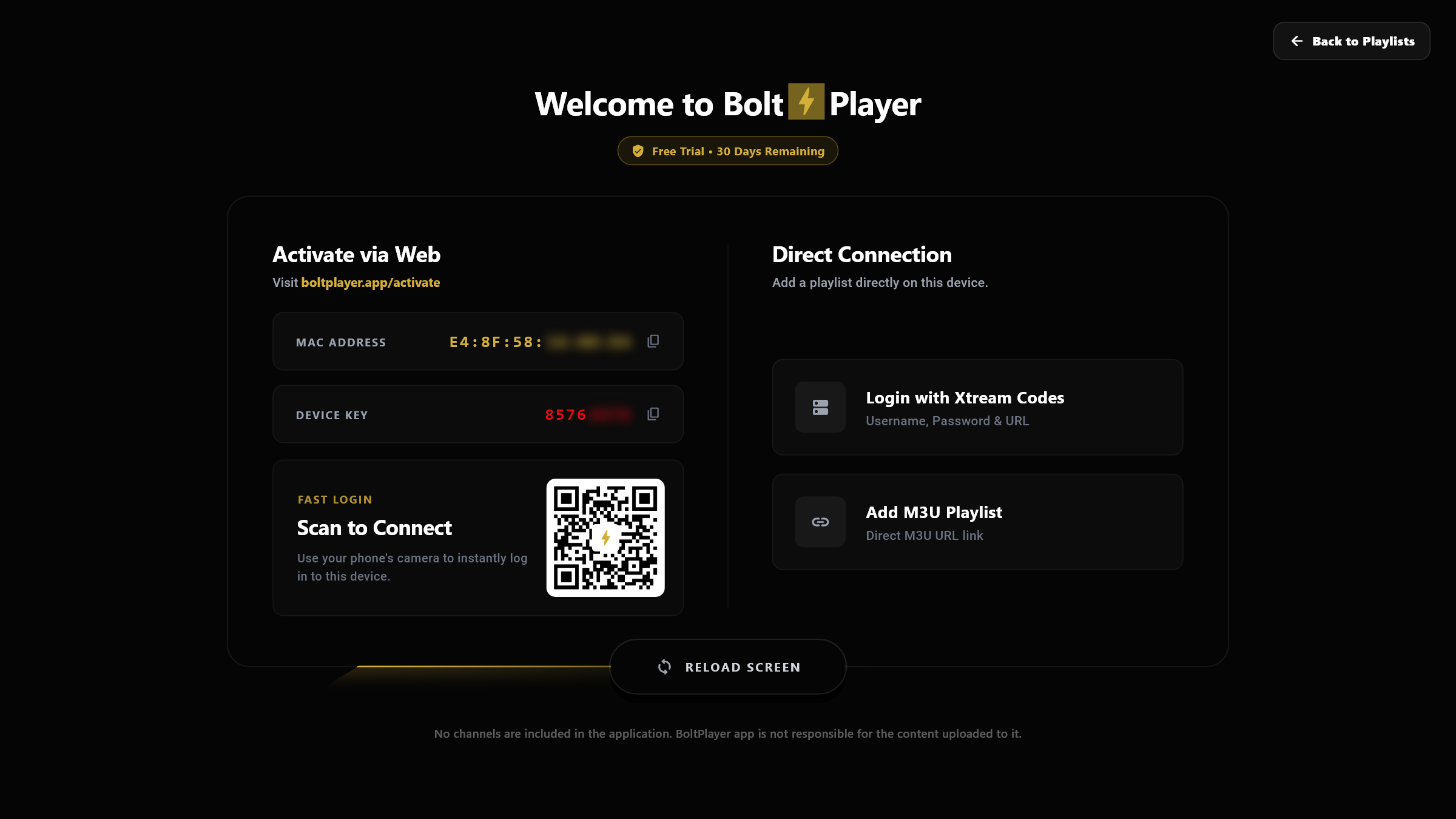
Install from Microsoft Store or .EXE
Install BoltPlayer on Windows 10/11. Your 30-Day Free Trial activates automatically on first launch.
Scan QR or Copy MAC & Key
Note the permanent MAC Address and red 8-Digit Device Key on your welcome screen, or scan the QR code with your phone.
Upload Playlist & Watch
Add your Xtream Codes or M3U link at boltplayer.app/activate and click Reload Screen.