3 Ways to Connect (QR Web Sync, Xtream Codes & M3U) + 20-Profile Switcher
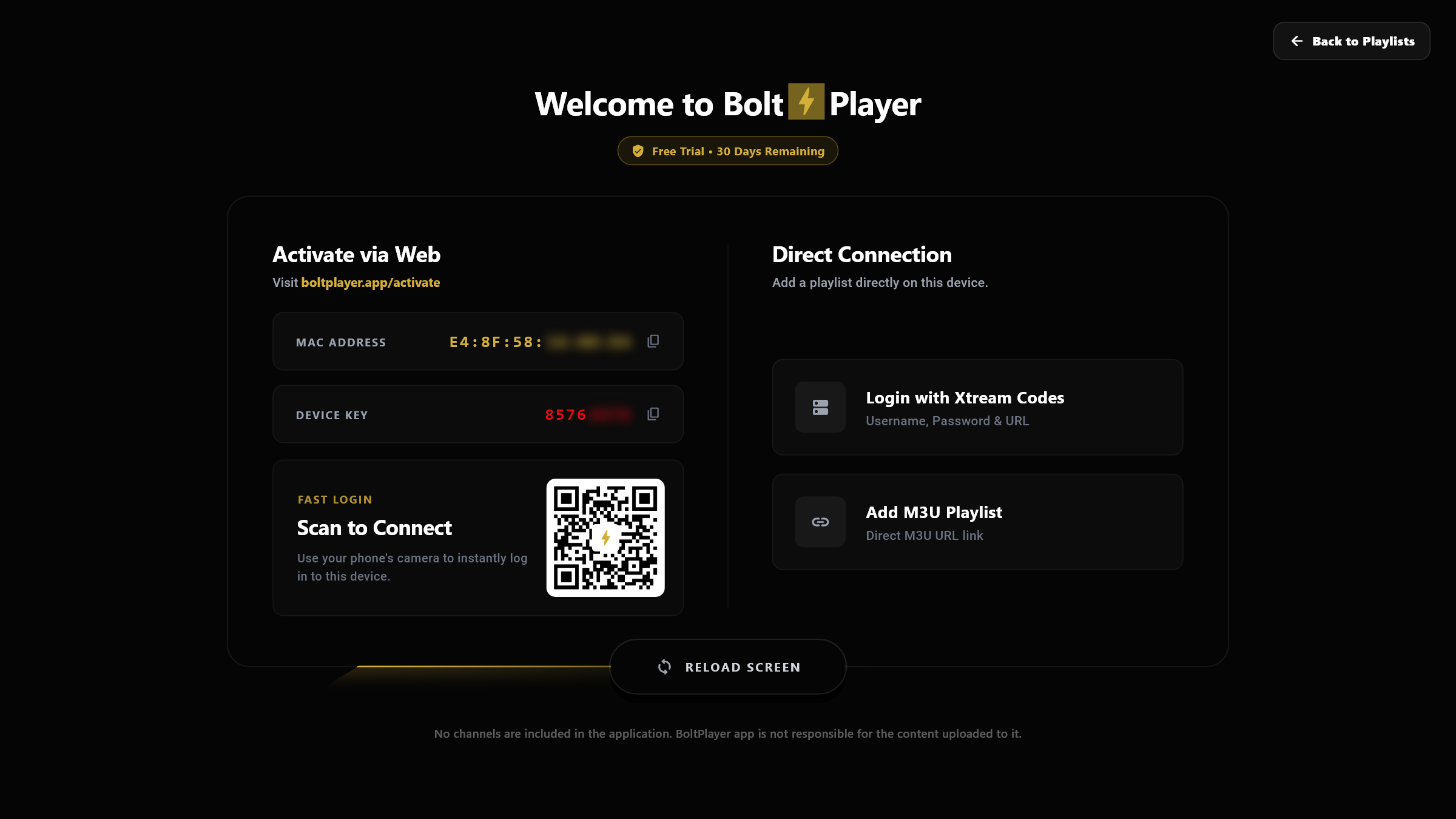
Connect your device in seconds by scanning the on-screen QR code or entering your MAC Address & Device Key at boltplayer.app/activate — or add Xtream Codes and M3U playlists directly inside the app and switch between up to 20 profiles.
Encrypted Two-Way Sync Between Website & Desktop Player
When you click RELOAD SCREEN or launch BoltPlayer, the app performs an encrypted sync with boltplayer.app — downloading remote playlists added via the web portal and syncing local profiles.
Add, rename, or remove playlists from any browser without typing long URLs on your TV screen.
Check 'Protected' when uploading a playlist on the website to hide server URLs and prevent accidental deletion inside the app.
All Captured Views for 20 Profiles & Cloud Sync (QR/Xtream/M3U)
1. Welcome Hub — QR Code Web Activation & Privacy-Blurred MAC/Key
Scan the QR code with your phone or enter your MAC Address & Device Key on our website to push playlists remotely, or choose Direct Connection on the right.
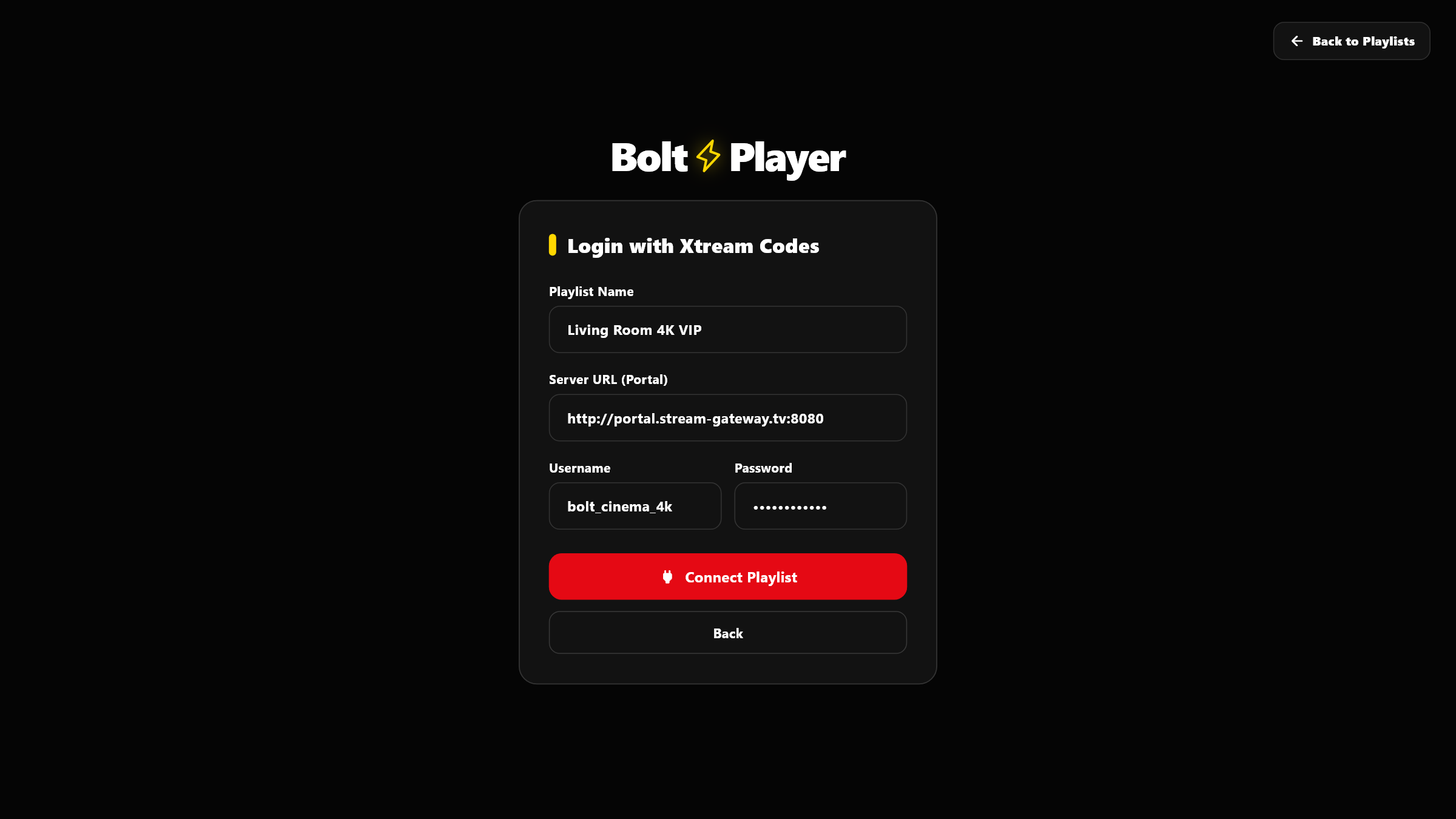
2. Direct Connection — Login with Xtream Codes API
Connect any Xtream Codes server directly inside the player by entering a custom Playlist Name, Server Portal URL, Username, and Password.
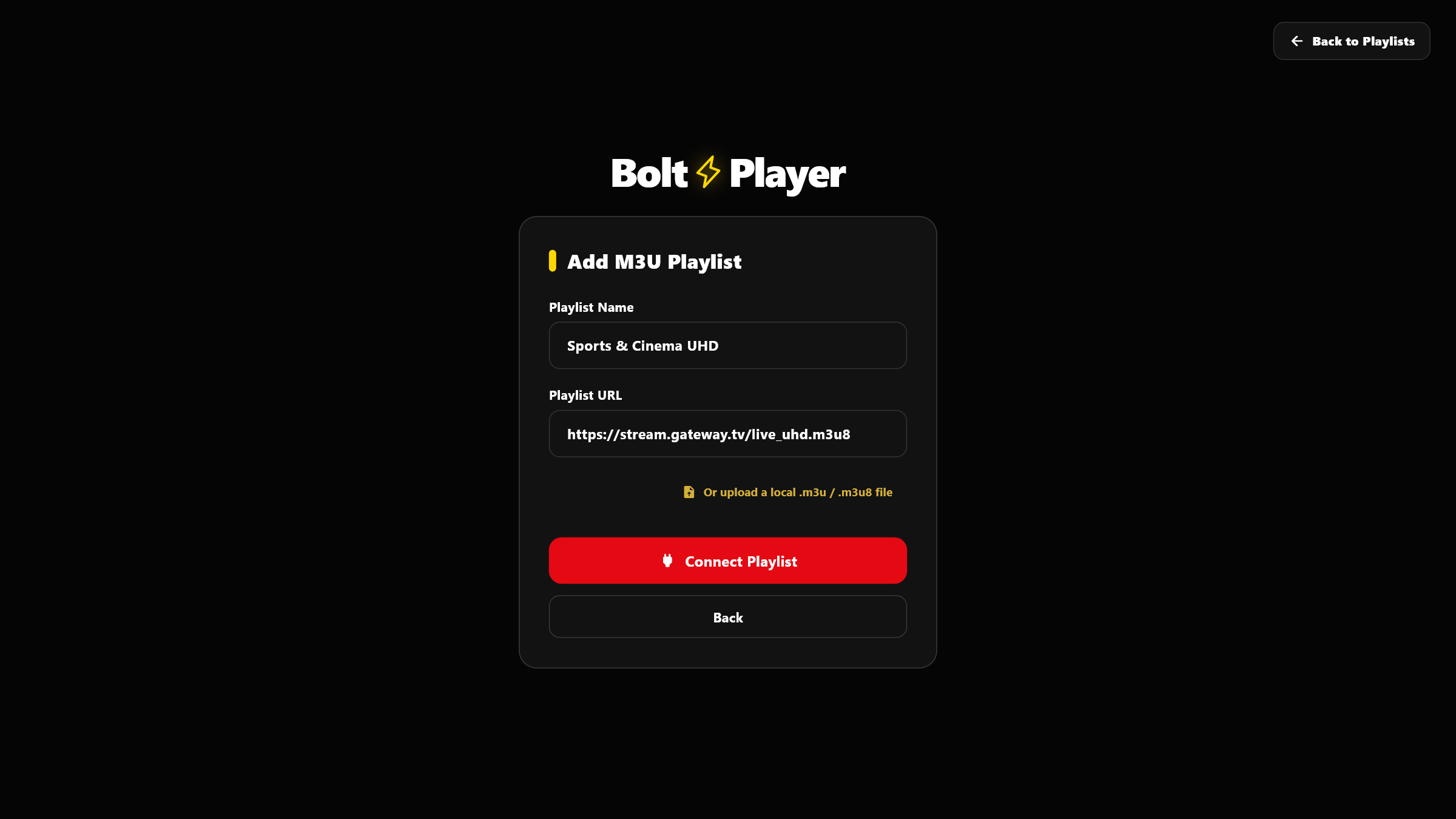
3. Direct Connection — Add M3U / M3U8 URL or Upload Local File
Paste any remote M3U / M3U8 playlist link or click 'Or upload a local .m3u / .m3u8 file' to import a playlist file directly from your PC.
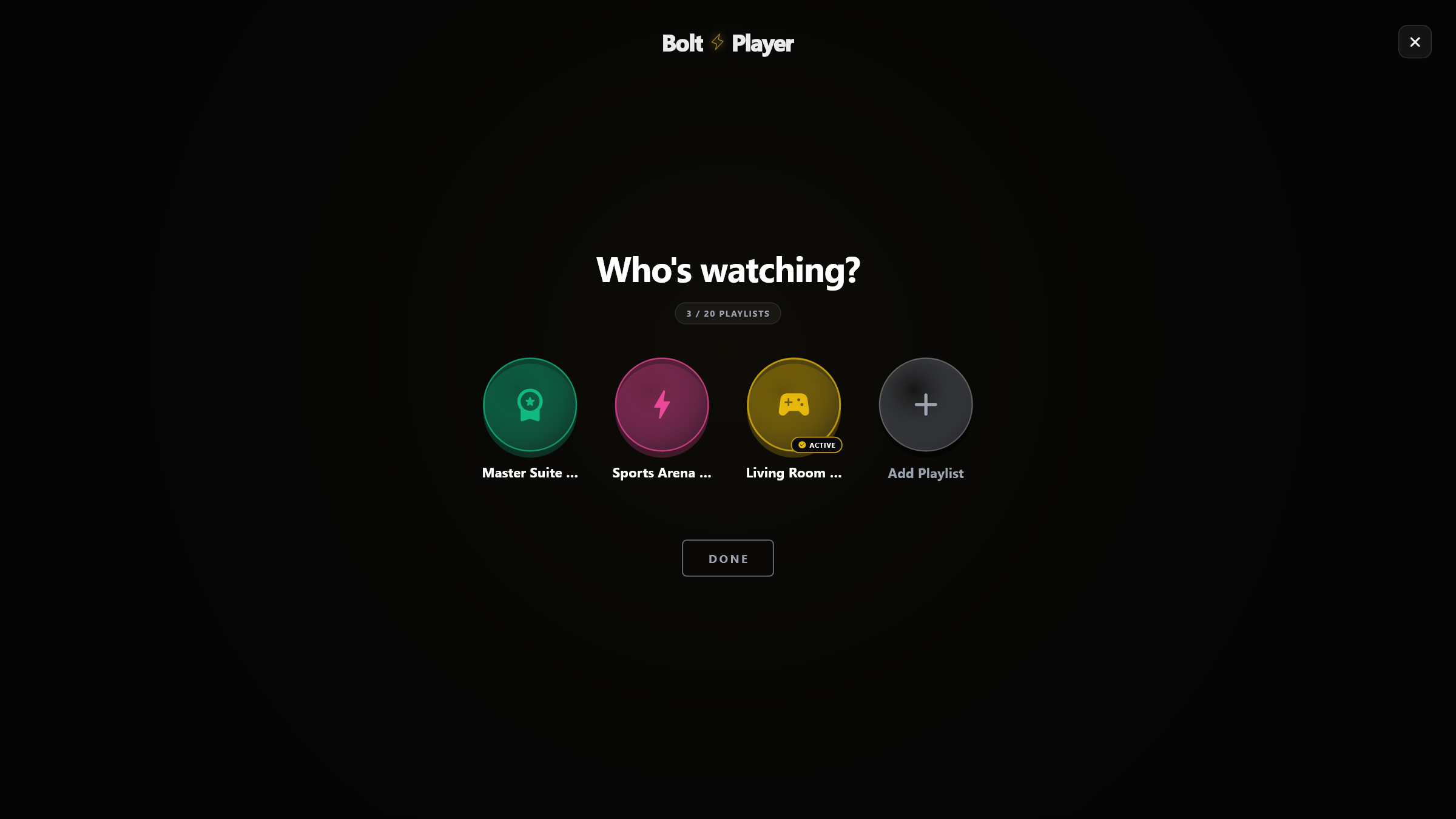
4. 'Who's Watching?' 20-Playlist Profile Switcher
Switch between up to 20 playlists with distinct neon avatar icons and complete data isolation between family members or rooms.
Try 20 Profiles & Cloud Sync (QR/Xtream/M3U) Free for 30 Days
Download BoltPlayer for Windows 10/11 or connect your playlist immediately via QR Code / MAC Address & Device Key.